Table of Contents
Let Our Experts Optimize Your Deliveries Today
Let's talkRevolutionize Reporting with Tailored Insights
Enhance your reporting precision with new features that empower data customization and analysis. Derived Columns enable creating custom fields using advanced functions like conditional classifications, date calculations, and text manipulations. With Aggregate Reports, users can group data by attributes, apply aggregations such as count, sum, and average, and combine detailed and summarized views for a comprehensive analysis. The Expand Date Filters allows reports to be scheduled and generated using any date column, such as delivery or inbound dates, ensuring alignment with key business milestones.
Highlights
Derived Columns: Create Custom Data Points
- Build dynamic custom fields using advanced functions like Case, allowing users to classify data (e.g., deliveries as Ontime, Early, or Delayed) based on specific business rules.
- Perform Concatenate operations to merge attributes, use Replace for text substitutions, and extract data with Substring.
- Perform time calculations with Duration, transform date formats for easier interpretation, and apply Numeric/Arithmetic Expressions for precise calculations.
Aggregate Reports: Summarize Data for Deeper Insights
- Use flexible grouping to organize data by strings, dates, or statuses, enabling faster and more insightful analysis.
- Apply a variety of aggregations such as count, sum, min, max, and avg, offering a clear overview of key metrics.
- Combine aggregate and detailed data into a single report, providing a holistic view for strategic decision-making.
- Schedule these reports with the same ease as detailed reports, ensuring timely insights for your team.
Expand Date Filters: Broaden Reporting Capabilities
- Generate reports using diverse date columns (e.g., delivery date, planned delivery date), beyond just creation or update dates, offering unmatched flexibility.
- Align report generation and downloads with specific operational milestones to track business cycles accurately.
Streamlined Consignment Management for Operational Efficiency
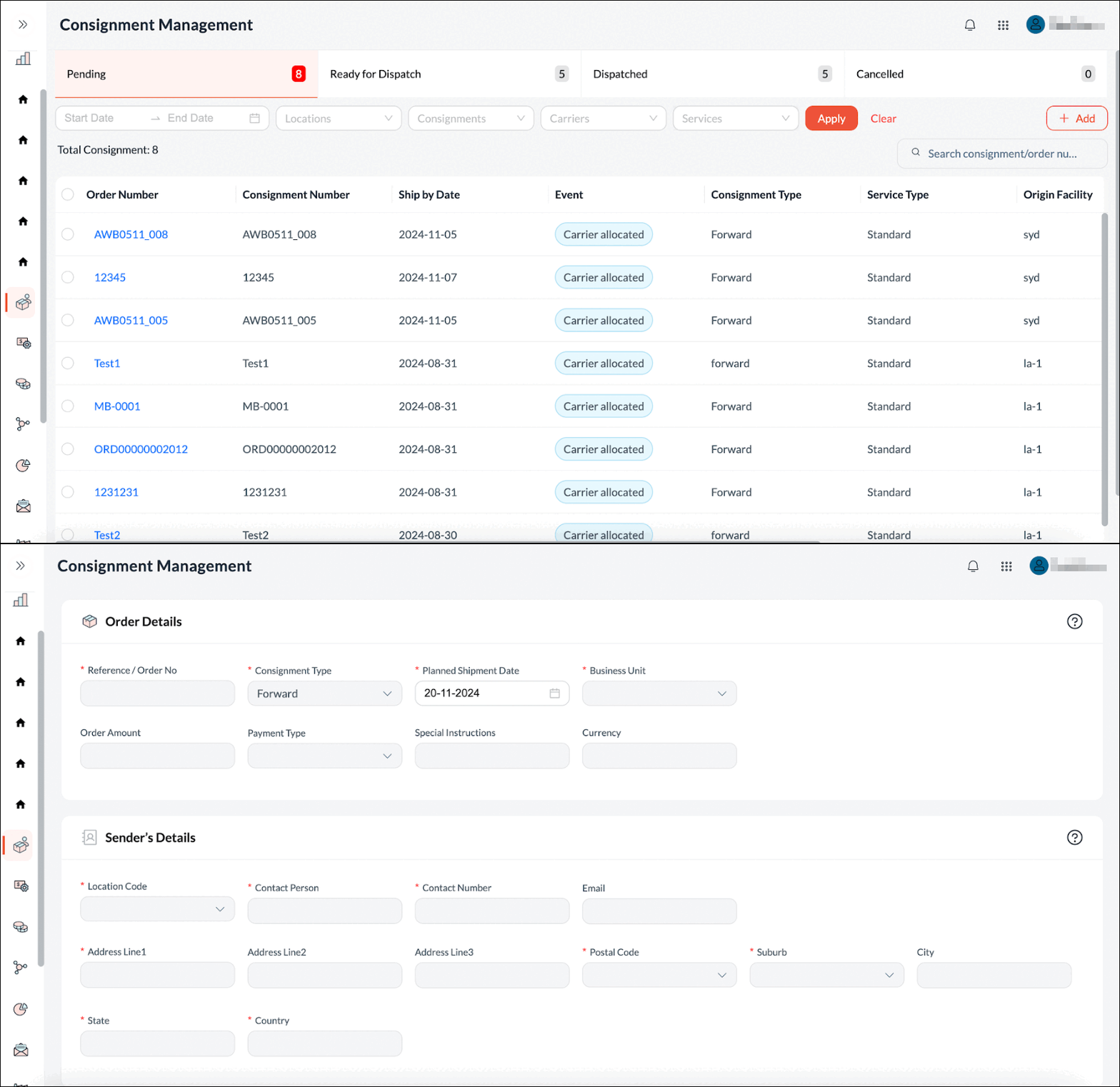
Introducing Consignment Management, a comprehensive, unified platform to efficiently manage consignments throughout their lifecycle. It empowers retailers with intelligent carrier recommendations while giving them flexibility to manually select the most optimal carriers for their unique needs. Users can effortlessly create consignments using the intuitive UI or bulk import via Excel, with the option to manage label generation - either through the carrier or the FarEye platform. By offering functionalities for creating, updating, monitoring, and controlling the flow of consignments, this interface allows logistics teams to efficiently manage multiple shipments and ensure seamless operations.
Highlights
- Intelligent Carrier Recommendations: Retailers are empowered with smart carrier suggestions, ensuring the most optimal carrier selection based on their specific needs.
- Flexible Consignment Creation: Easily create consignments via an intuitive user interface or perform bulk imports through Excel, streamlining the process.
- Customizable Label Generation: Choose to generate shipment labels either through the carrier or directly within the FarEye platform, offering full flexibility.
- Improved Operational Efficiency: By centralizing all consignment-related tasks in one platform, logistics teams can streamline operations, reducing manual efforts and handling multiple shipments seamlessly.
Universal Tracking Portal: Empowering Seamless Shipment Tracking
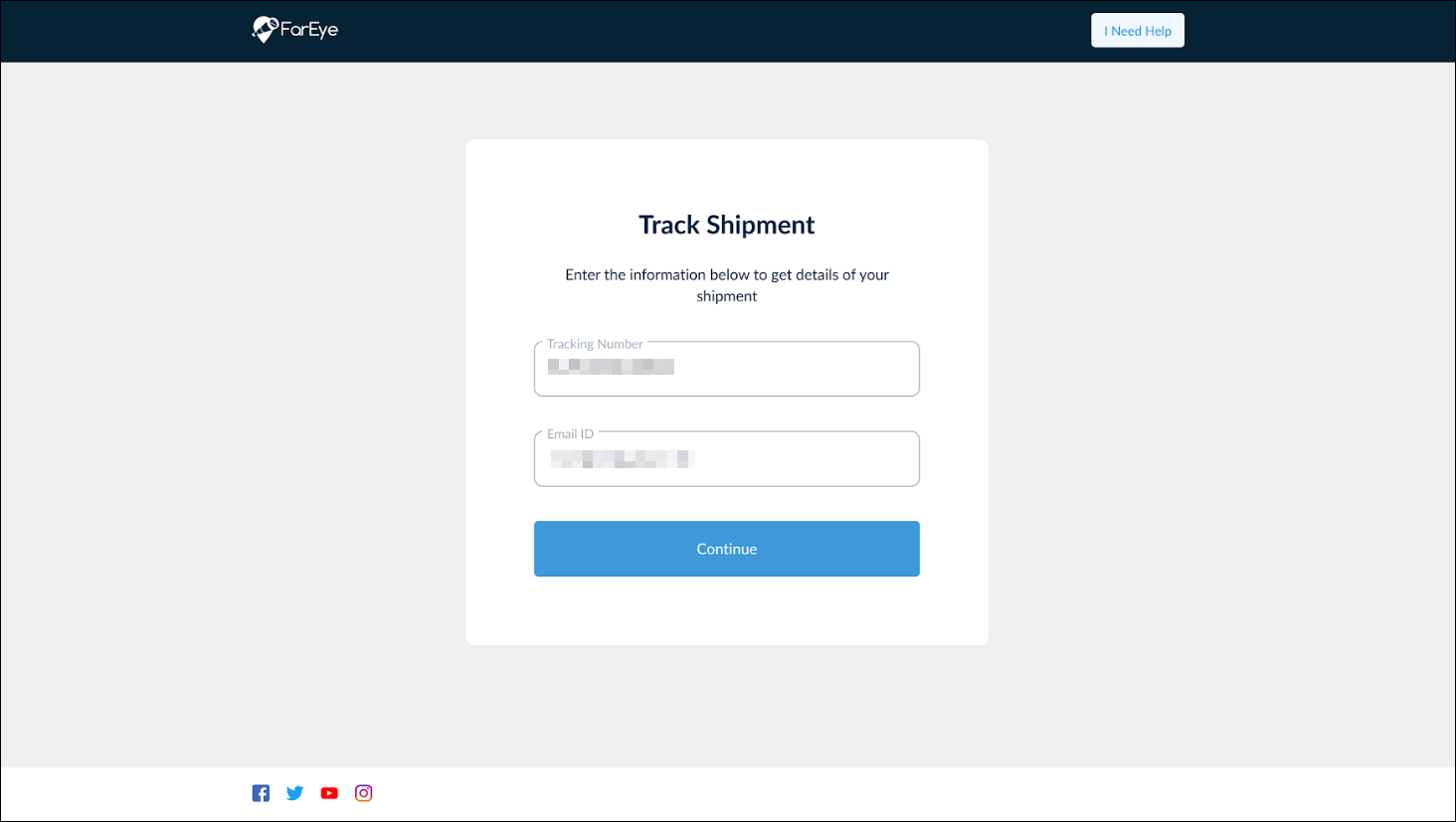
Enhance customer satisfaction with the Universal Tracking portal, a centralized solution for tracking all shipments seamlessly. This versatile portal simplifies shipment visibility, enabling businesses to provide a cohesive and branded tracking experience. With extensive customization options and seamless integration, businesses can deliver a professional, user-friendly interface that aligns with their operational needs and branding goals.
Highlights
- Centralized Shipment Tracking: Customers can track shipments directly through a universal portal without relying on individual CI links sent via email/SMS.
- Customizable Search Fields: Add up to five custom attributes to refine shipment searches, ensuring precise and relevant results.
- Tailored Design Options: Customize colors, fonts, headers, and footers to match your brand identity and improve user experience.
- Merchant-Specific Portals: Create unique portals for individual merchants or opt for a standard default design for consistency.
- Seamless Embedding: Easily integrate the tracking page into any website by generating a URL, ensuring smooth implementation.
- Header and Footer Controls: Hide headers and footers as needed to deliver a clean and minimalistic layout.
Key Benefits
- Improved Customer Experience: Provide a unified and intuitive tracking experience for all shipments.
- Enhanced Branding: Strengthen brand identity with customizable designs and white-labeling options.
- Operational Efficiency: Offer precise search functionality with custom attributes tailored to business needs.
- Versatile Integration: Embed the tracking page effortlessly into existing websites for a streamlined user journey.
Streamlined Vehicle Filtration with Geo-Fence Tags
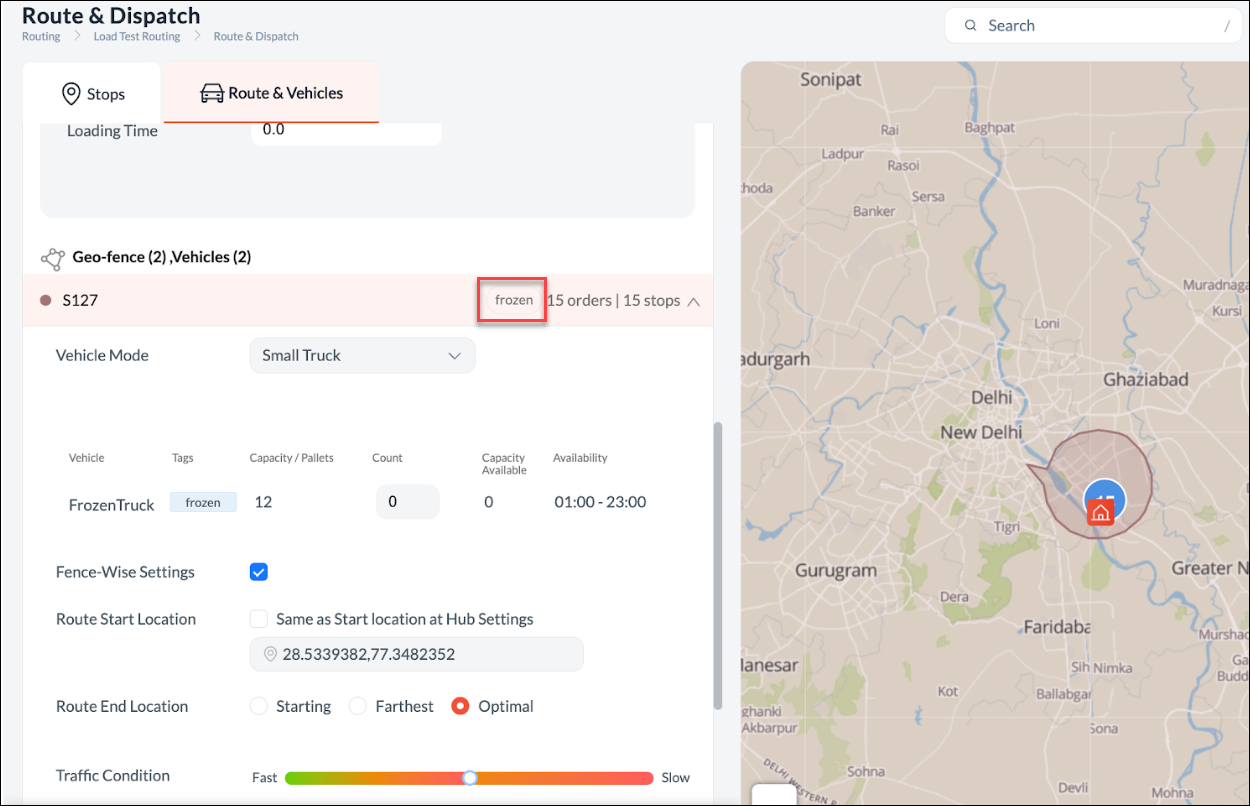
Vehicles on the pre-routing screen are now filtered based on matching geo-fence tags, ensuring only relevant options are displayed. If multiple tags are assigned, any vehicle that matches at least one will be shown, improving dispatch efficiency and reducing selection time.
Streamlined Shipment Label Printing for Faster Processing
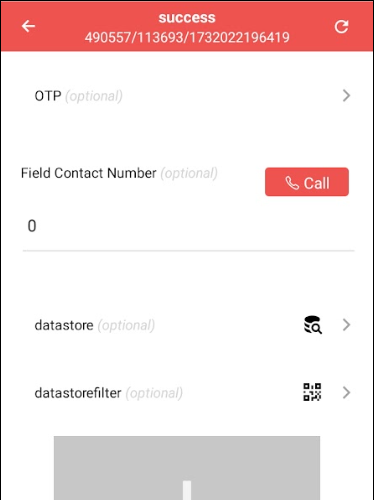
Drivers can now print shipment labels in a single tap after capturing the required details in the form layout, eliminating the need to navigate between the Job Listing and the Printing and Sorting screens. This direct-print feature reduces redundant steps, enabling quicker processing of multiple shipments and improving overall efficiency.